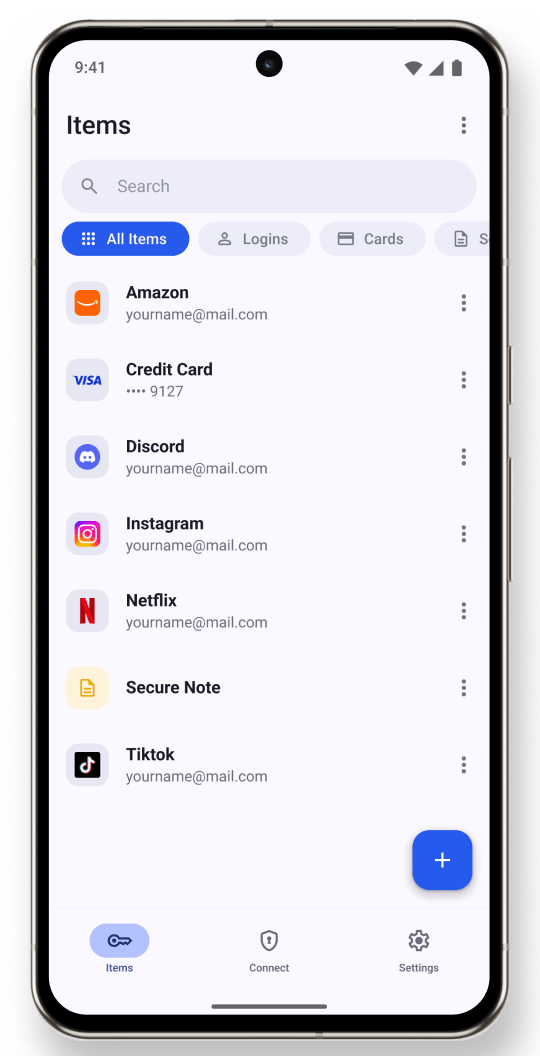
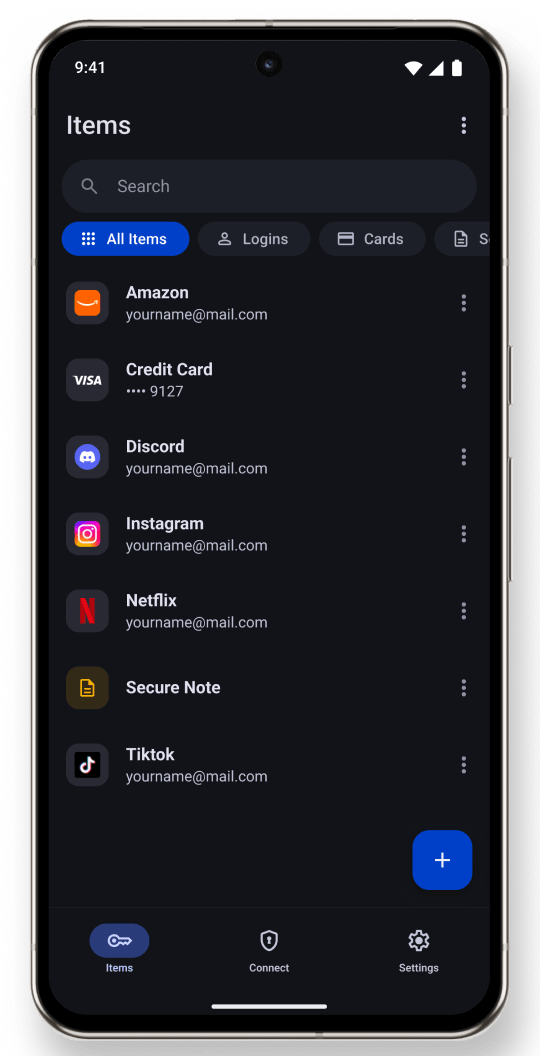
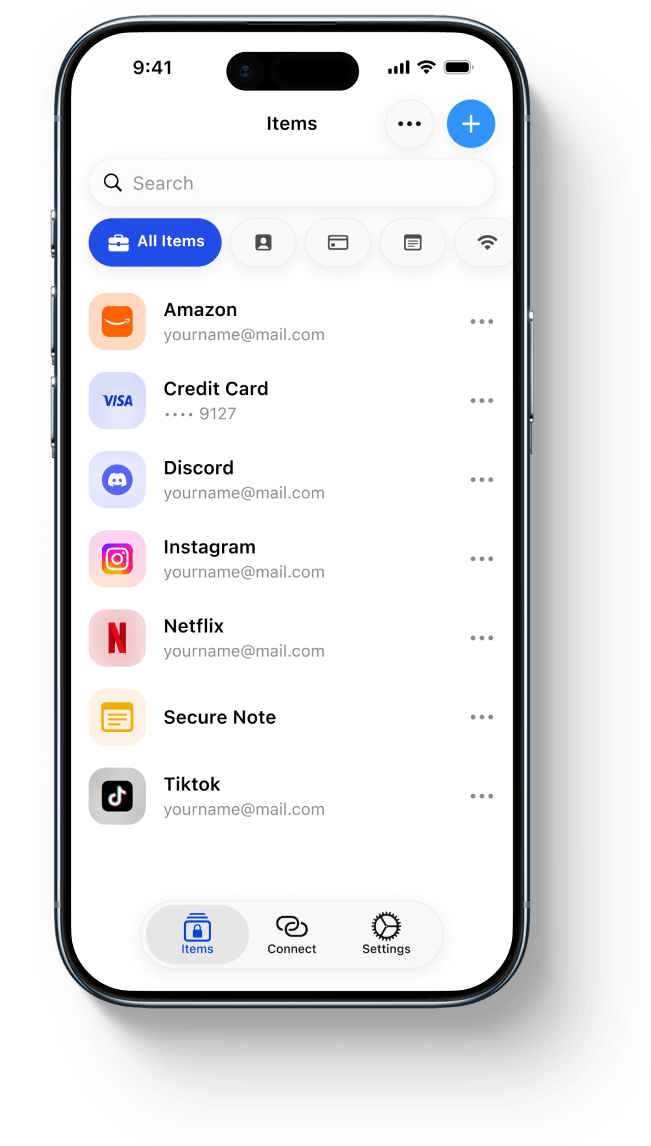
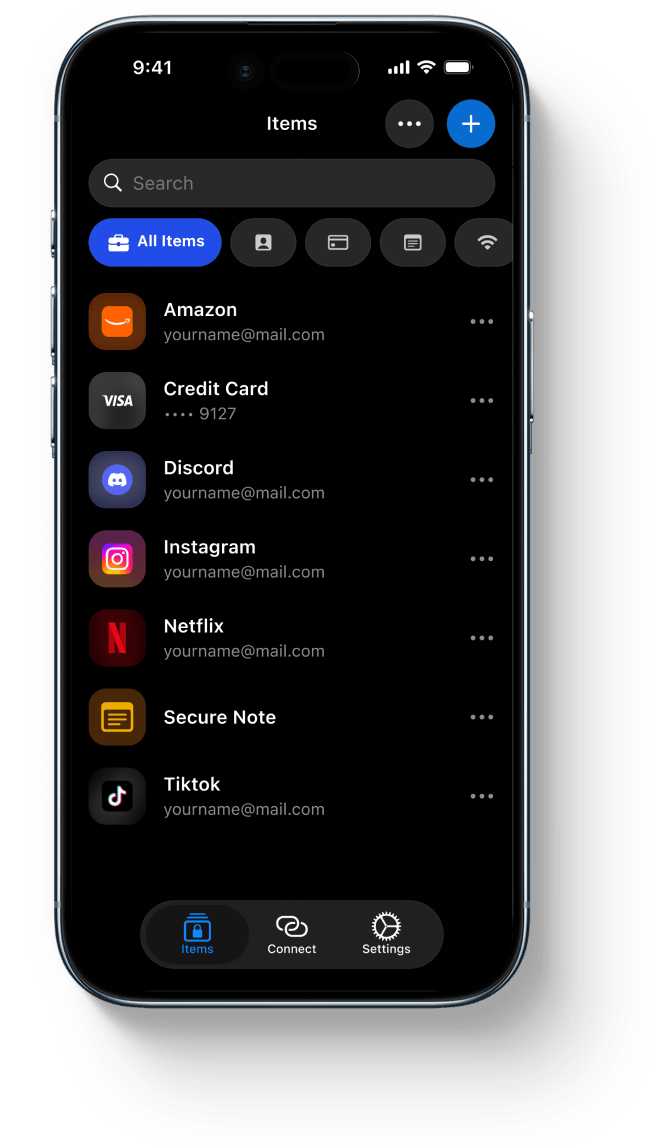
A secure password manager. On your terms.
Your vault stays on your phone. Sync it with your iCloud, Google Drive, WebDAV or S3 storage - or keep it offline.
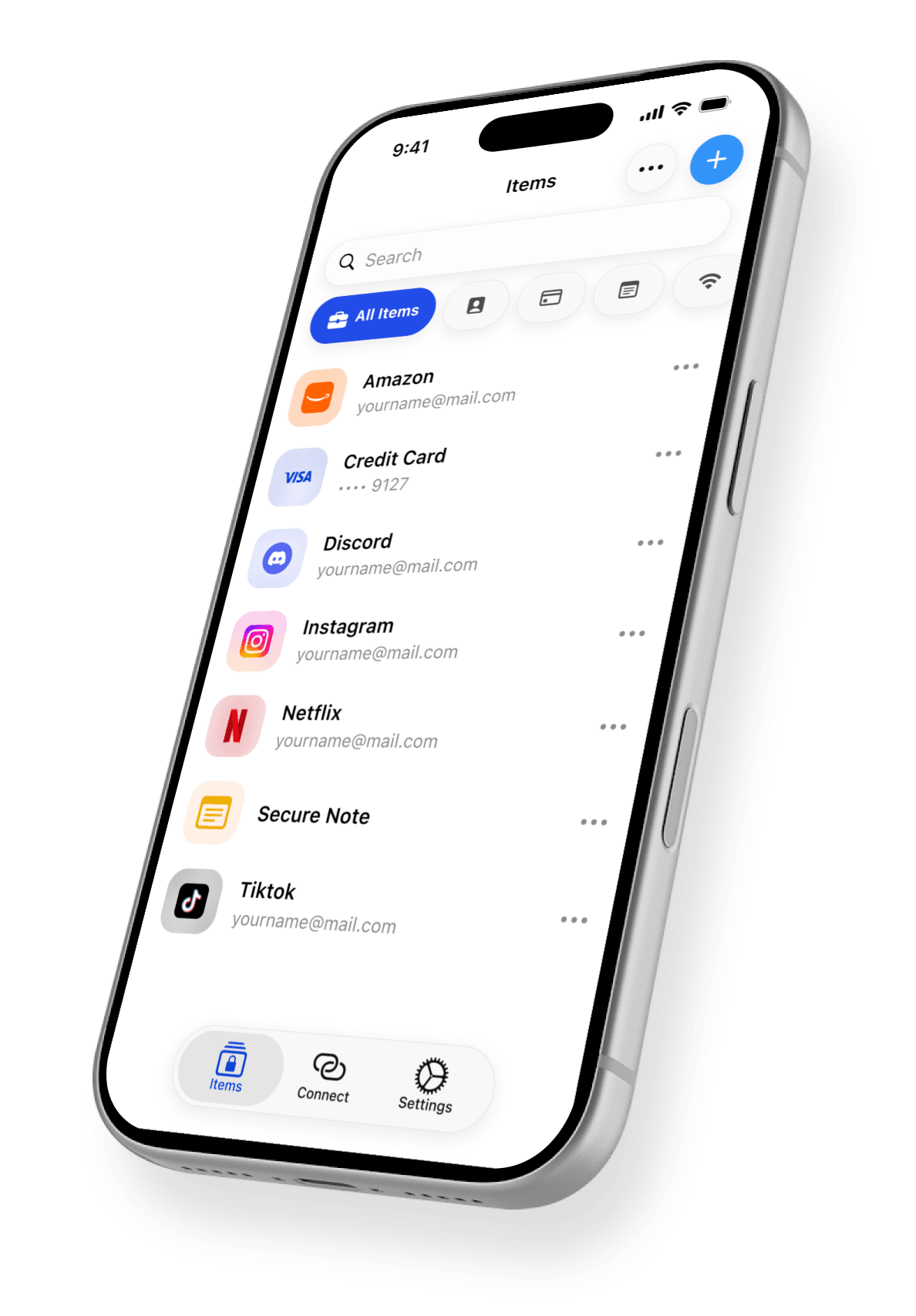
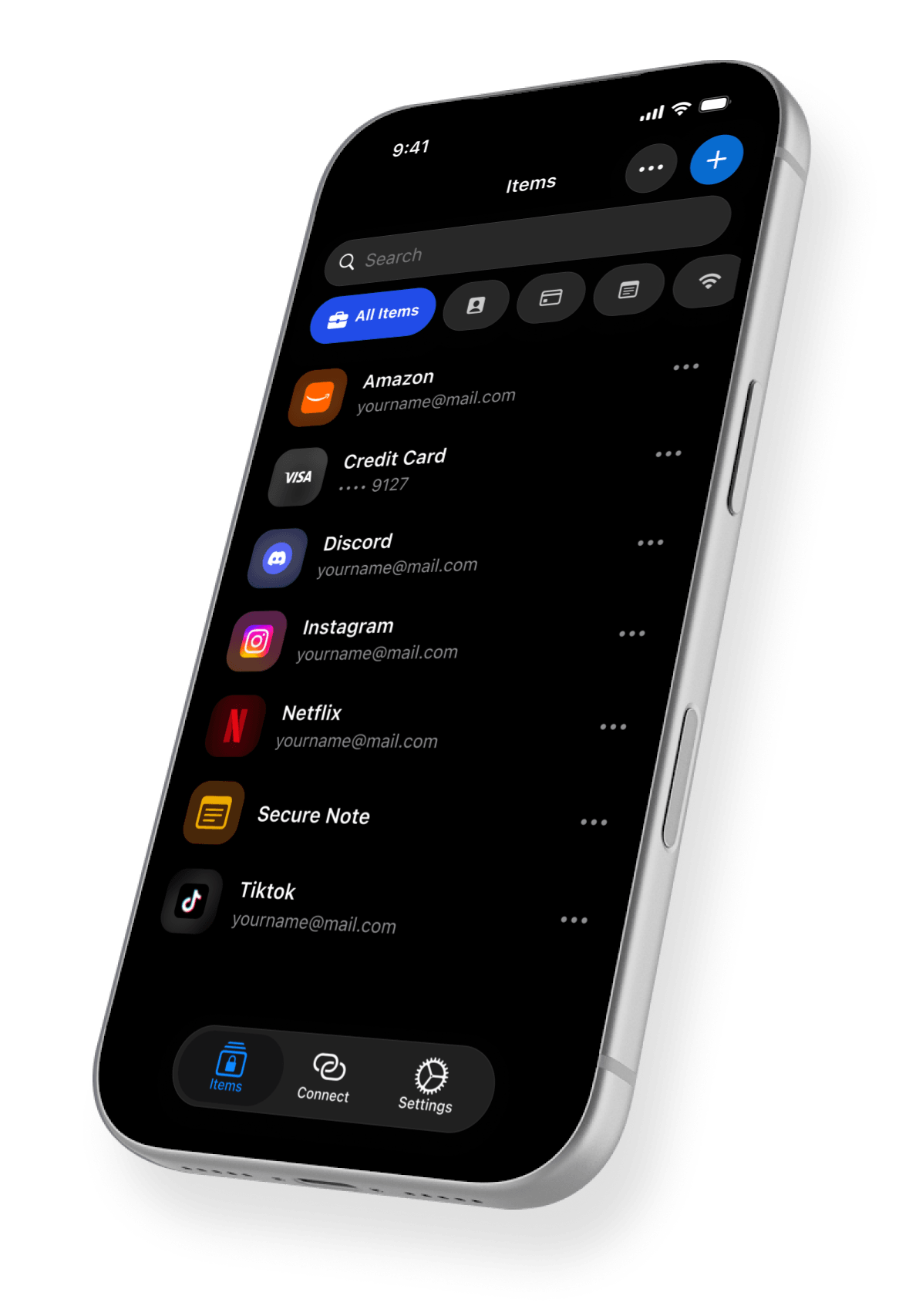
We don't choose where your passwords are stored. You do.
Local first. Not cloud first.
Your encrypted vault is stored on your phone. We never keep a copy on our servers.
Sync on your terms.
Use your private iCloud, Google Drive, WebDAV or S3 storage to sync the data between devices.
Private and secure.
Your vault and backup are protected at all times by a decryption kit and your own master password.
Your vault lives on your phone.
Your passwords are encrypted on your device, with keys only you hold and no account to create.
Your passwords, ready in your browser.
Use the browser extension to autofill logins when you need them. Keep the convenience of a password manager, with your vault under full control.
You choose the storage. We never hold a copy.
Keep your vault local, or sync it through storage you choose - like iCloud, Google Drive, S3 or your own NAS. Your passwords are never stored on our servers.
Clear rules. No surprises.
No account required
No email, phone number or sign-up required. Simply install the app and start using it.
Full control over security
You decide which passwords can be accessed by the browser extension or autofill.
Code you can inspect
2FAS Pass is source-available, so the code is open for independent review on GitHub.
Free to start
Store up to 200 items for free. Go Unlimited for $9.99/year.
Take control over your passwords.
Download 2FAS Pass and keep your vault private, local, and secure from day one.